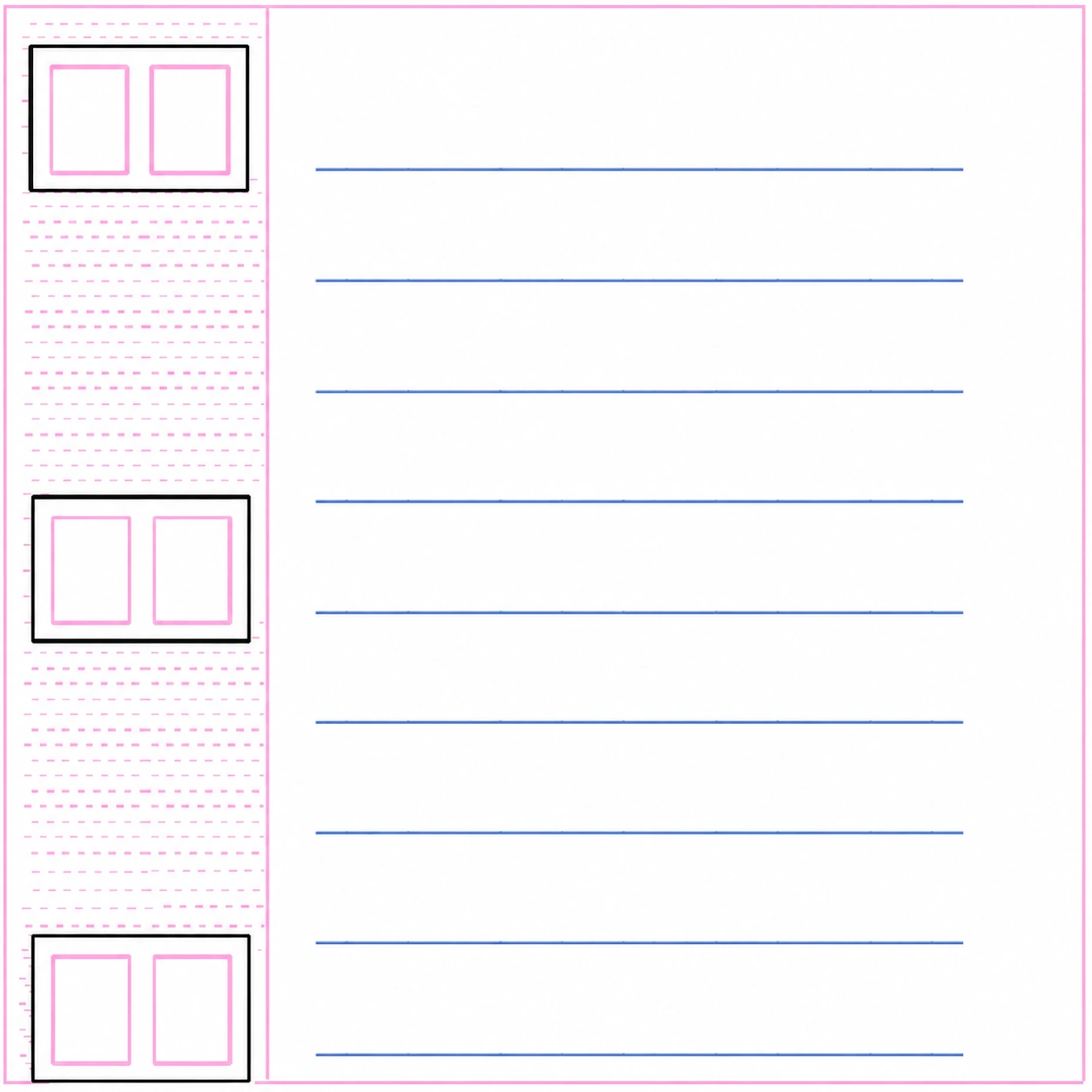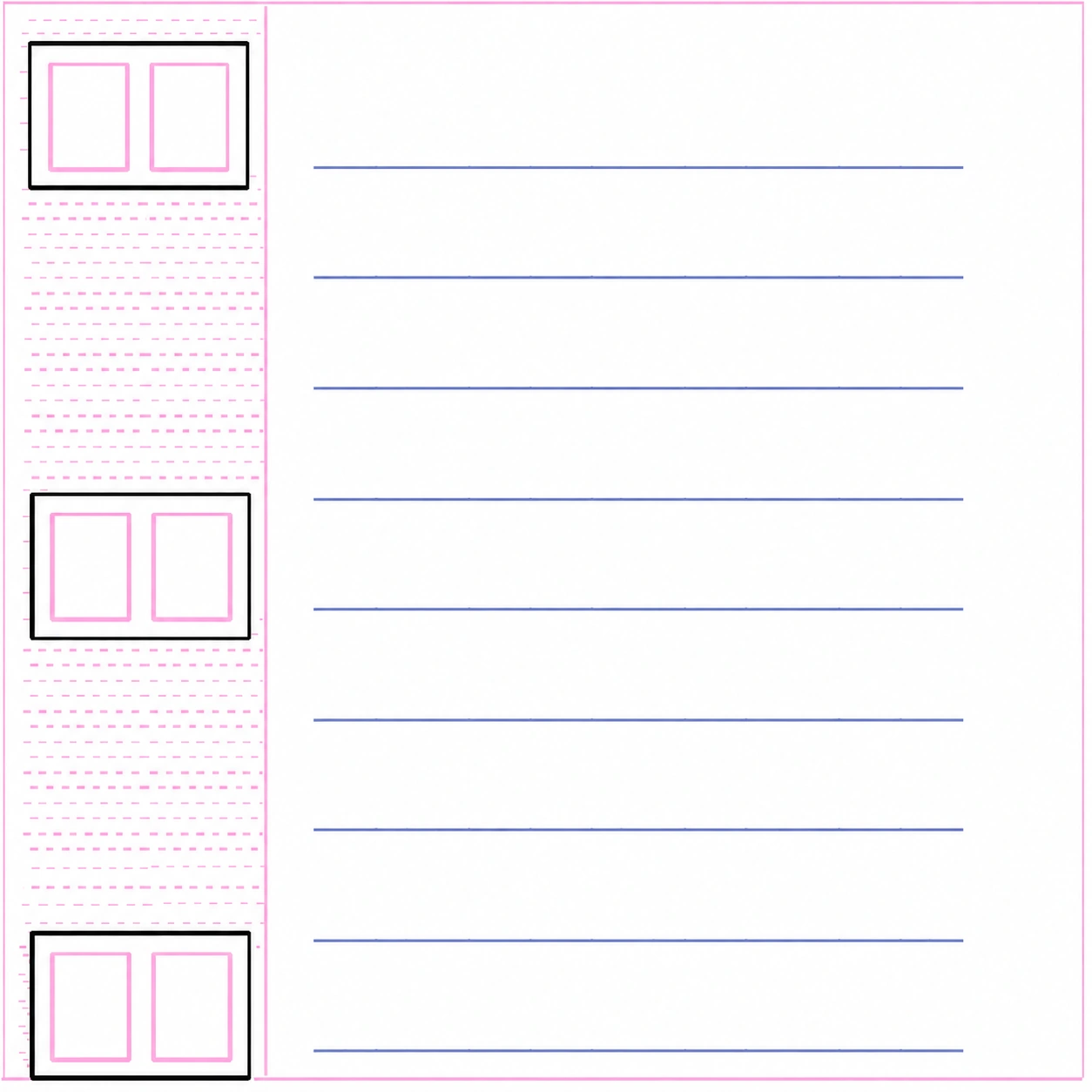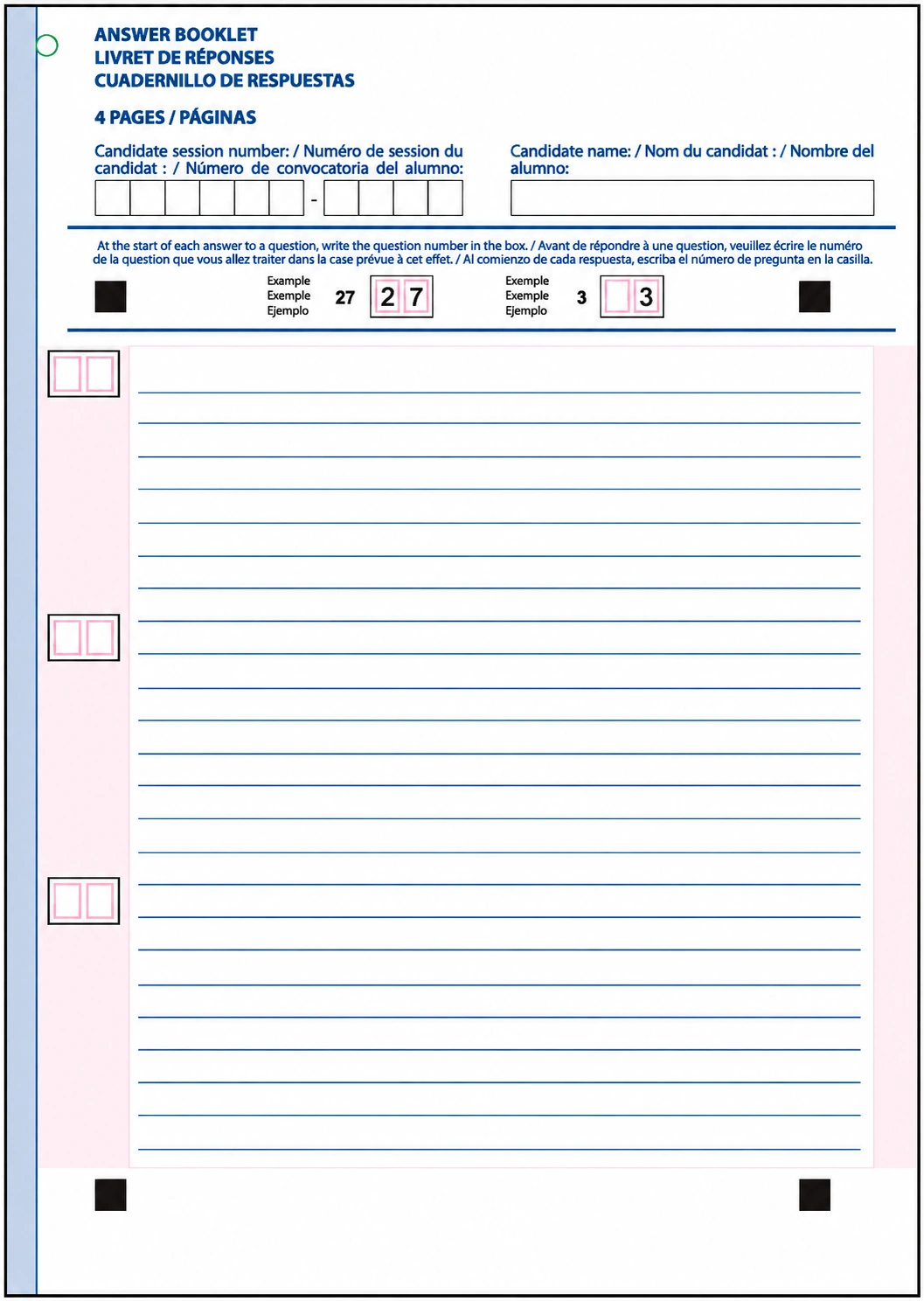
What the answer booklet looks like
Every booklet has four pages. At the top of the first page, there are spaces for your session number and name, together with short instructions for entering question numbers. The rest of that page and the remaining pages are for your examination answers. Write on the ruled lines and stay inside the large pink border on every page. Enter the number of each question you answer in the boxes beside the writing lines.
Important guidance
- Make sure you know your candidate session number.
- Read the IB poster Conduct of the examinations: notice to candidates. Ask your coordinator about anything in it that you do not understand.
- Bring only permitted materials into the examination room. Possessing an unauthorized item, such as notes or a mobile phone, breaks IB regulations even if you brought it by accident.
- Use dark blue or black ink only, and do not use gel pens. Colour may be used only in geography examinations.
- Cross out any planning or working that you do not want the examiner to mark.
- When the examination ends, arrange the applicable materials in this order:
- The blue coversheet at the front.
- The examination paper, only when it is a paper on which you write your answers.
- Your answer booklet or booklets.
- Squared paper used for Chinese or Japanese language examinations.
- Graph paper.
Fasten these materials together with a string tag.
Entering your session number and name
Before answering any questions, enter your candidate session number and name in the designated boxes on the first page. If you do not know your session number, ask the invigilator. Put your session number and name on the front page of every booklet you use.
Filling in the question-number boxes
Check that you have entered the correct question number before starting each answer.
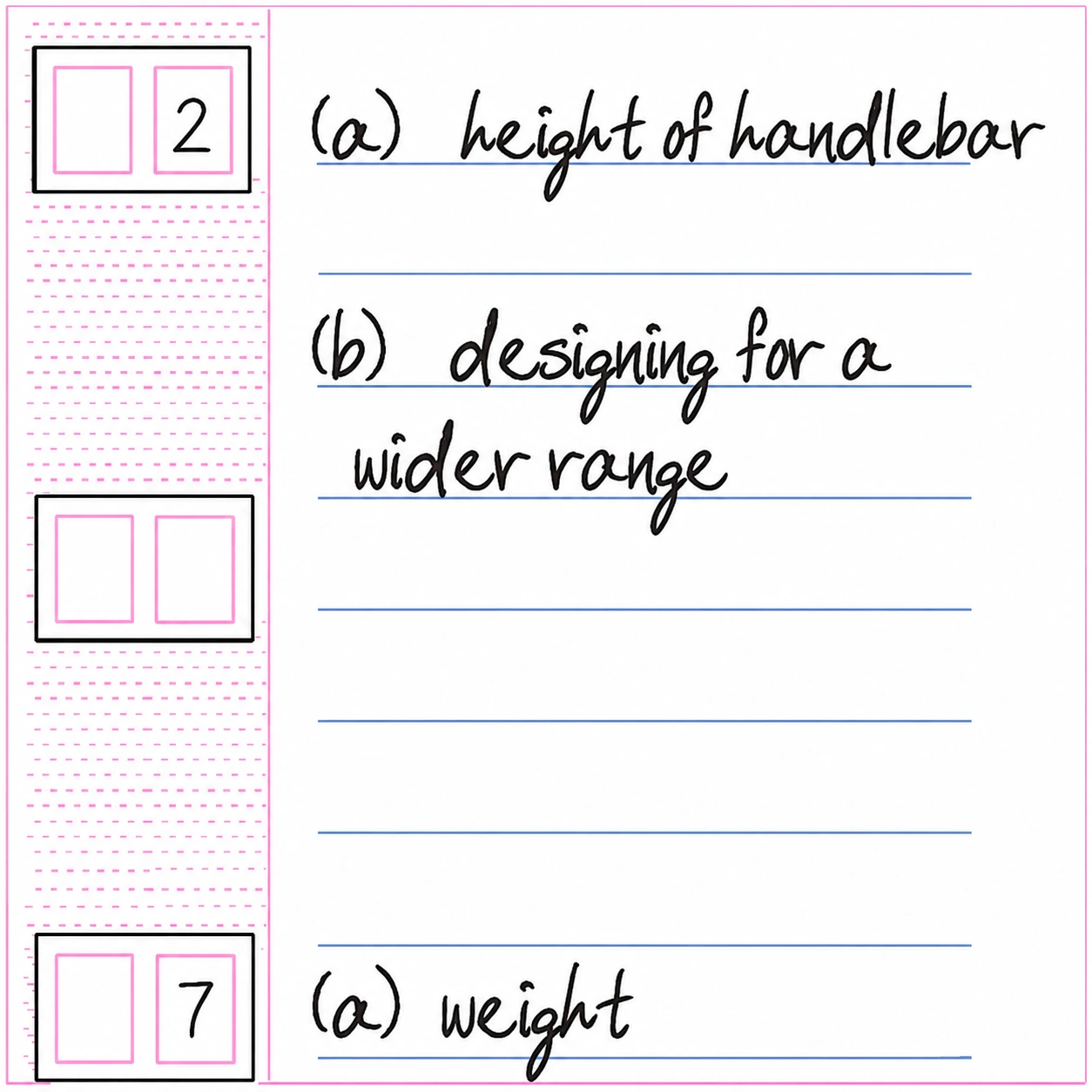
Example 1
For questions with parts such as (a), (b), (c) or (i), (ii), write the part label on the line where that part of your answer begins. Enter the question number only once for a question with several parts. You do not need to write the section, topic or theme you are answering from, as shown in Example 1.
When an answer continues onto another page, you do not need to repeat the question number at the top of that page.
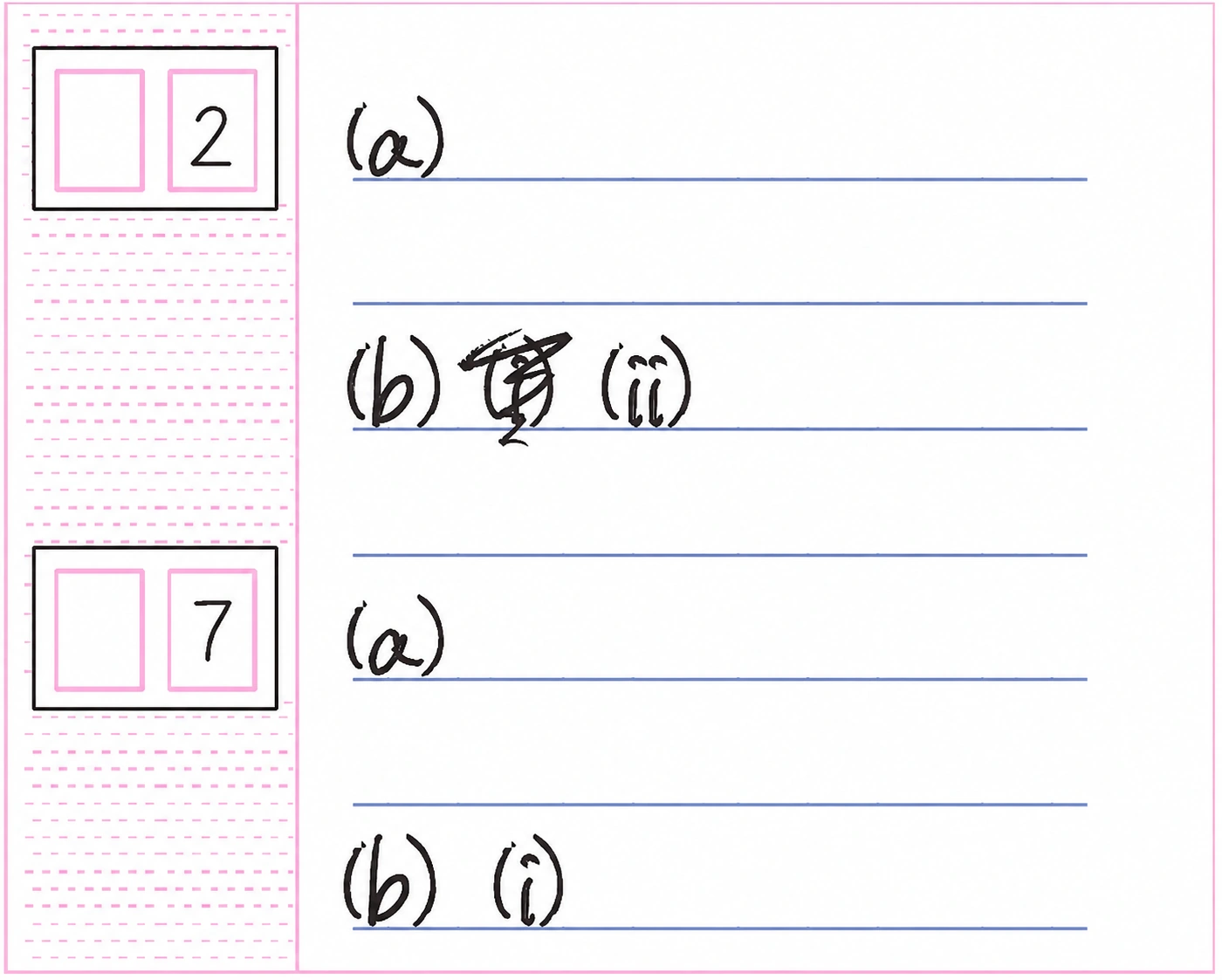
Example 2
Keep at least one blank line between answers. If there is not enough room for a blank line between the end of an answer and the next question-number box, skip to the following available box and begin the next answer there, as shown in Example 2.
If you enter a question number incorrectly, fill in that question-number box and move to the next available box.
Correcting a mistake
If you write the wrong question number, fill in the question-number box and use the next available one.
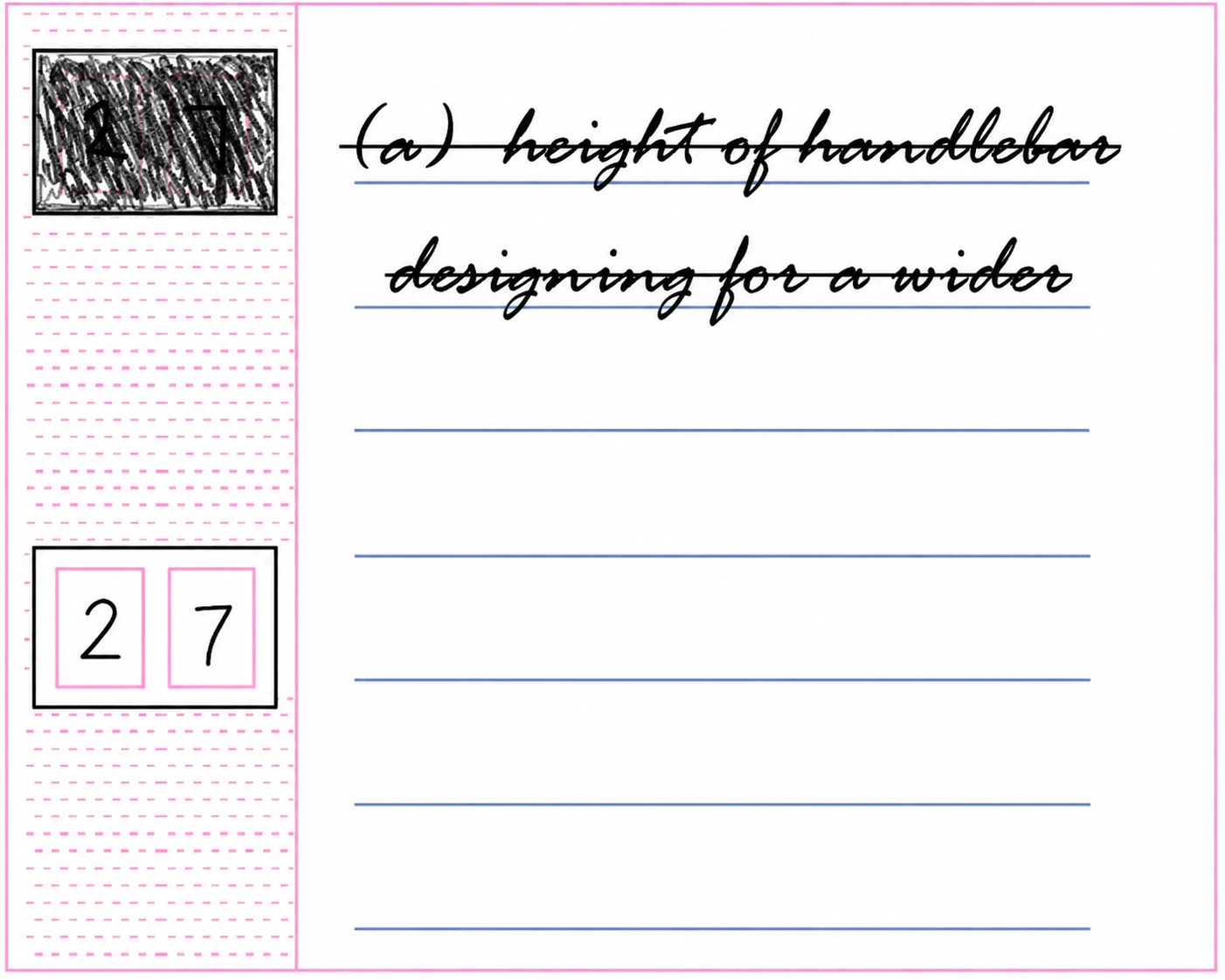
If you begin answering a question and then choose to answer a different question instead, fill in the original question-number box and cross out the unwanted answer. Enter the new question number in the next box and start the replacement answer there, as shown in Example 3.
Example 3
When you need more space
If your booklet is full, ask the invigilator for another one and enter your session number and name on its front page. When continuing an answer from your first booklet, write the question number again in the new booklet before carrying on.
To add more to an earlier answer at any point, go to the end of the most recent answer in your booklet. Repeat the question number in the next available box, then continue that answer.
Practice